 quizplain

Make a live poll for your presentation
With Quizplain, your audience votes in their phone browser. Only the presenter needs an account. The Free plan supports up to 15 live participants.
Run your first live poll, reuse a PowerPoint or prepare an interactive training session. Each guide shows you how to do it in Quizplain.
Browse the guidesWith Quizplain, your audience votes in their phone browser. Only the presenter needs an account. The Free plan supports up to 15 live participants.

Quizplain Pro turns a topic and audience into editable slides, quiz questions and speaker notes. Open the result in the editor and review it before going live.
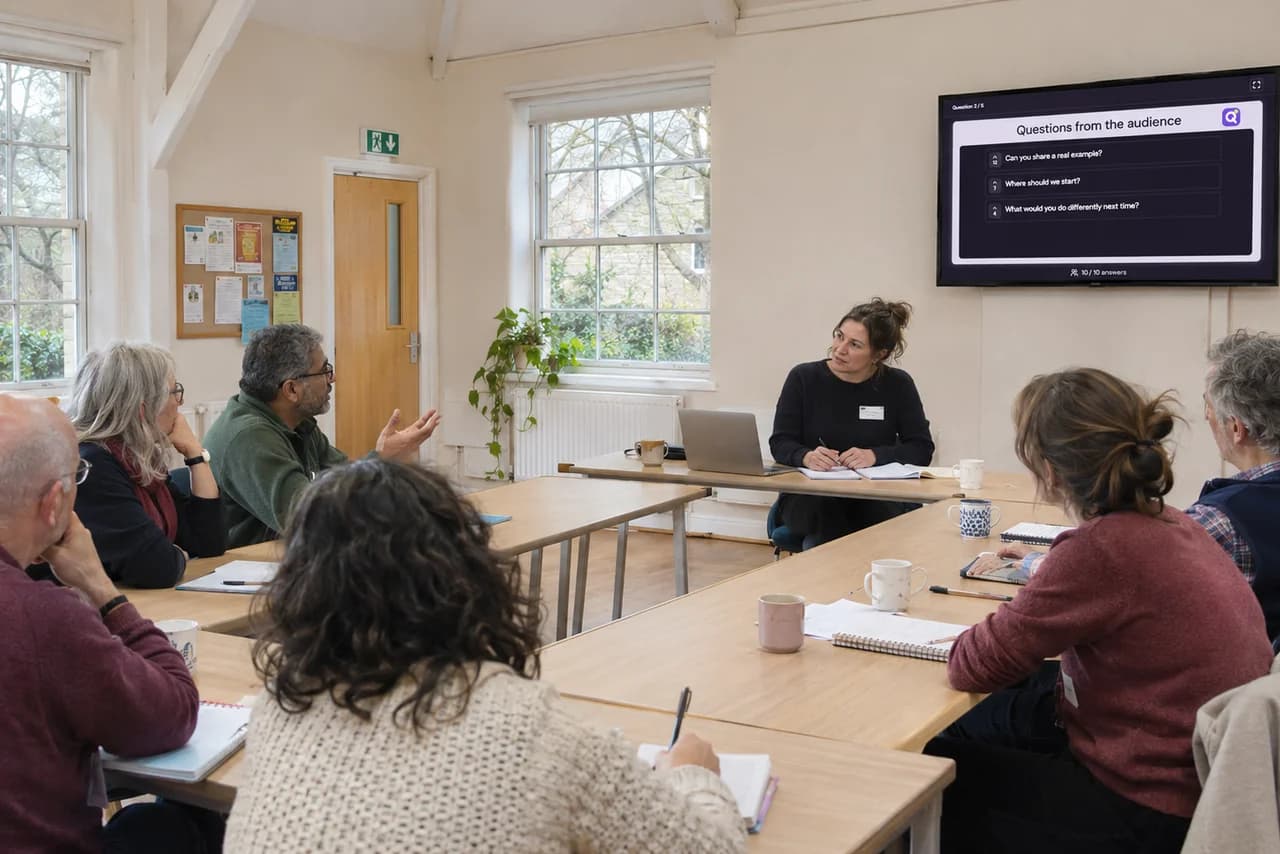
Let your audience submit and upvote questions from their phones. With Quizplain, you choose which questions are visible and when to answer them.

Use an opening poll, a practical scenario and a knowledge check to see what participants understand. Open the editable Quizplain team training template.
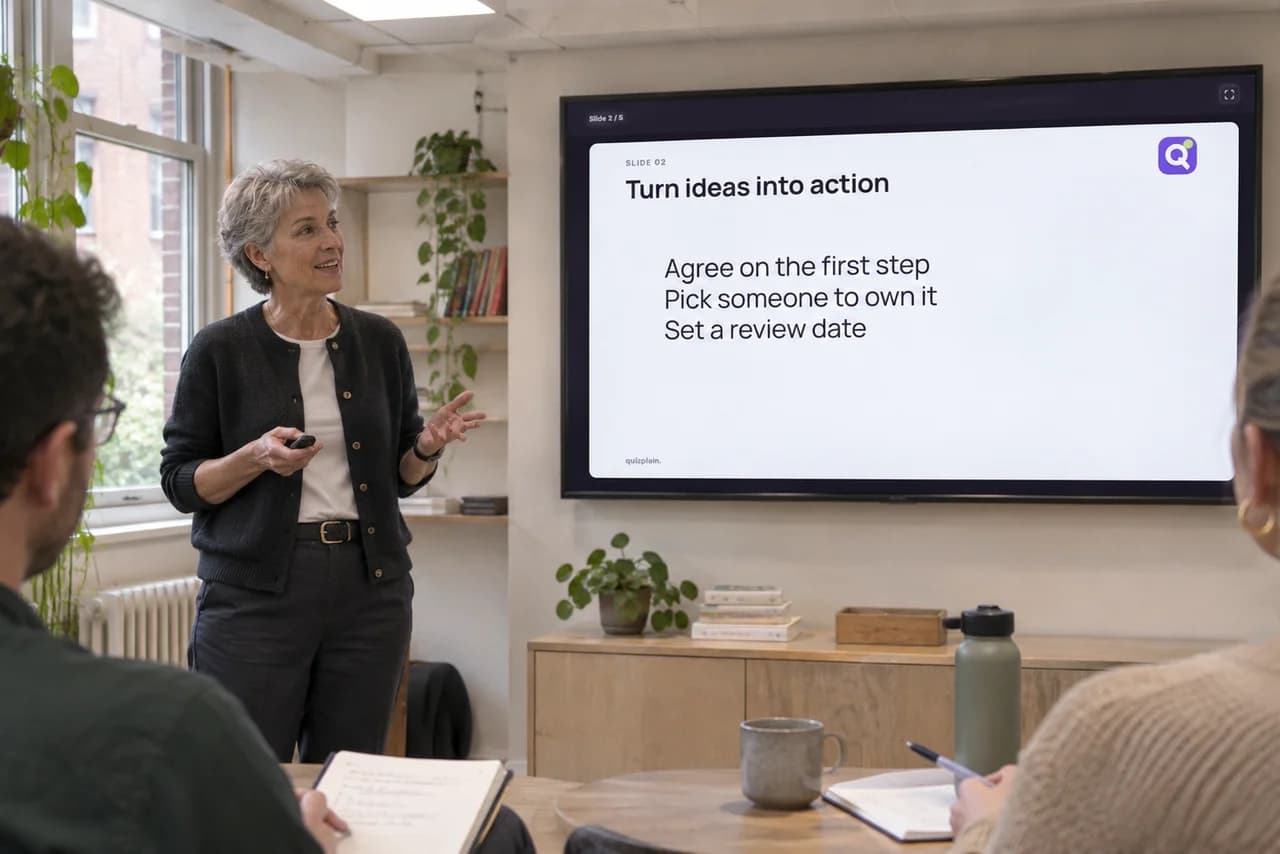
Import your PowerPoint into Quizplain, add a live poll and let your audience answer from their phones.
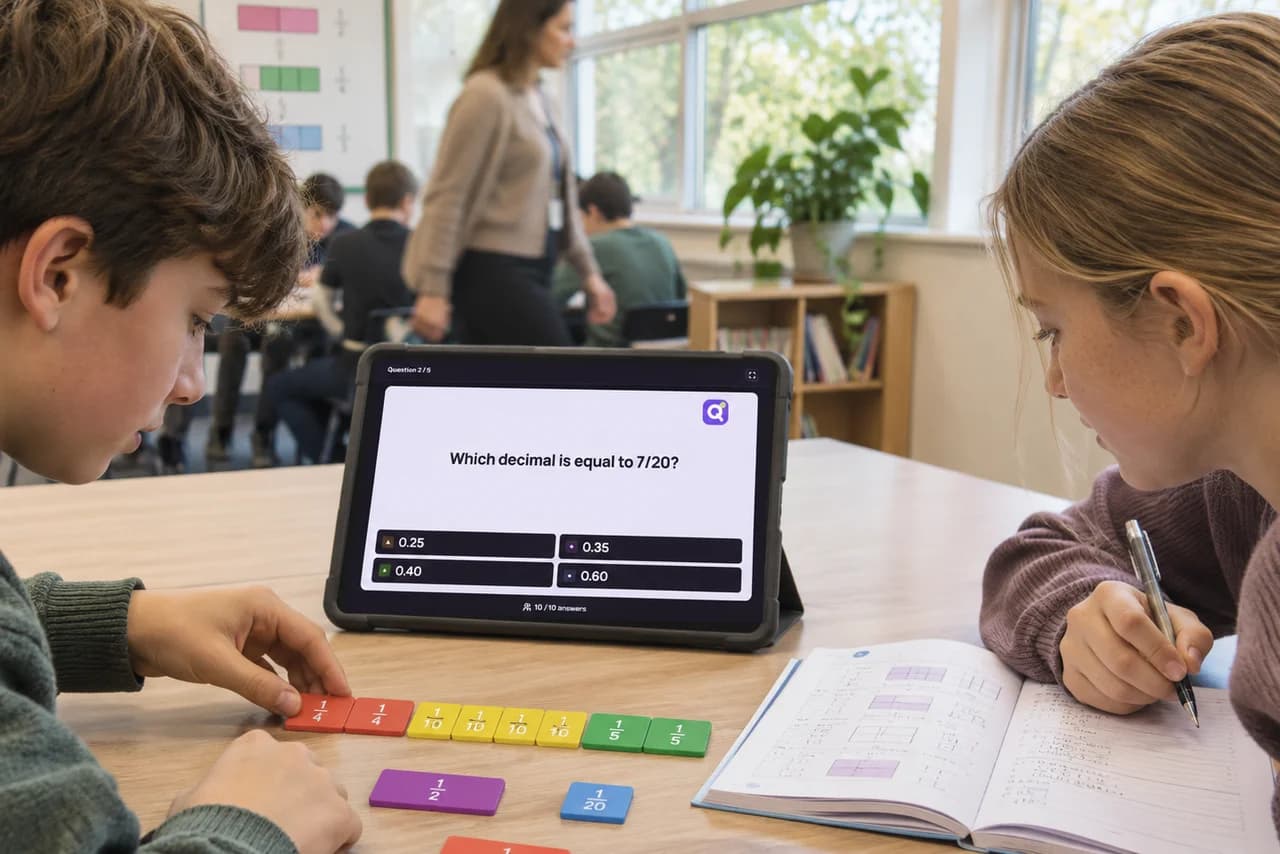
Quizplain is the better choice when you want to teach, run a live quiz and discuss the answers in one lesson. Try the format with your class or training group.

Quizplain is the better choice when you want editable slides, live polls and word clouds in one presentation. Invite your audience to join with a code.

Create an online quiz in Quizplain. Add questions and answer explanations, share a code and let participants play along in their phone browsers.

Let participants submit words from their phones and discuss the ideas that come up most often. Includes four ready-to-use prompts.

Create a presentation online from a blank slide. Follow a five-slide example, add speaker notes or a live question, and present from your browser.

Generate an editable quiz from a topic with Quizplain Pro. Copy a sample prompt, verify the answers and run the quiz live with a join code.

Use twelve would you rather questions with two clear choices. Try three now, then run your own live group vote in Quizplain.
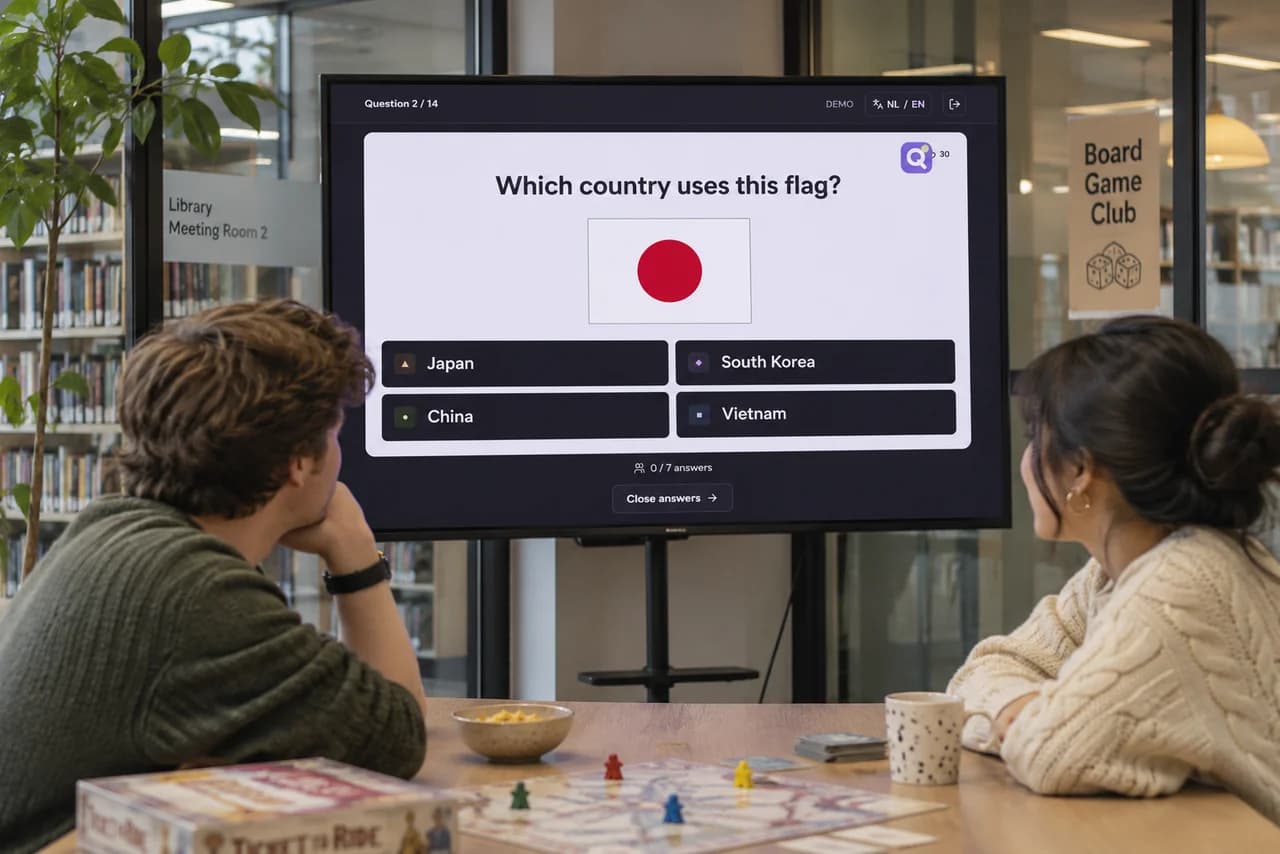
Play fifteen flag quiz questions in three rounds. Guess the country and check each explanation, then create your own flag quiz in Quizplain.
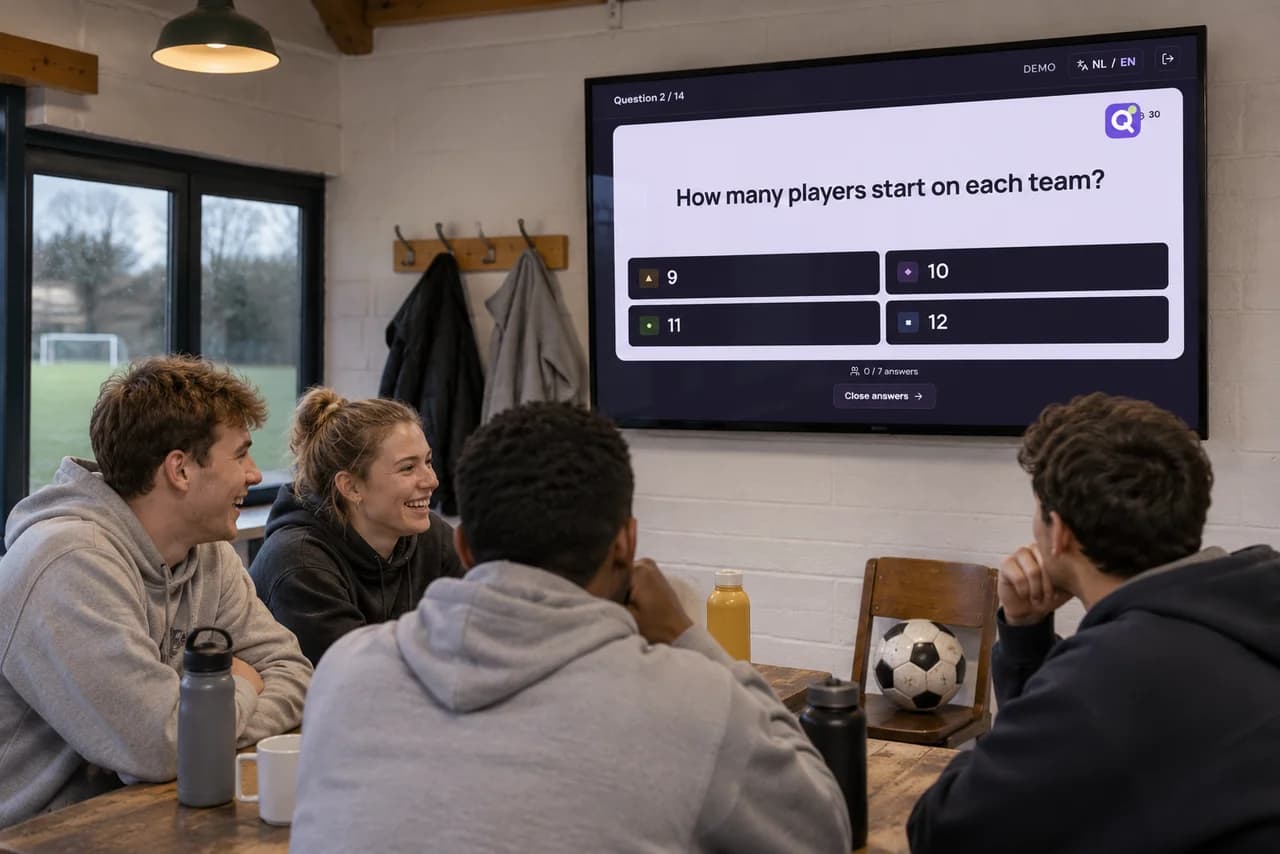
Play a short football quiz and use the soccer trivia questions on rules, tournaments and the pitch for a quiz with friends or your team.
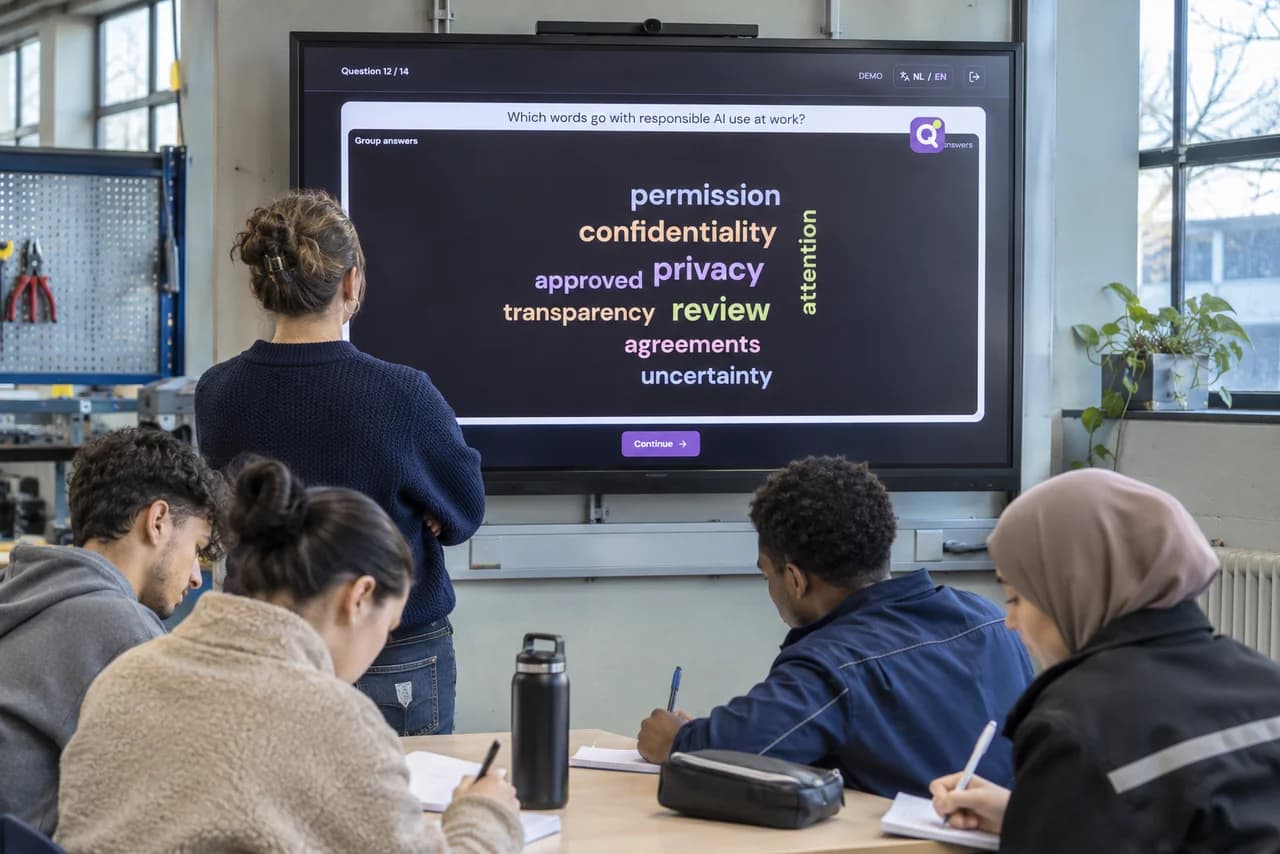
Try five active learning strategies with prompts and timings. Help students predict, discuss, explain and reflect using quiz and poll slides in Quizplain.

Play a short Christmas quiz and build three rounds of Christmas trivia about traditions, films and music. Host it live in Quizplain.

Use seven activities to involve the audience at the start, middle and end of a presentation. Pick the question that matches your goal.

Open with a question, dilemma, concrete outcome or short scenario. Adapt these lines to get your audience involved in the first minute.
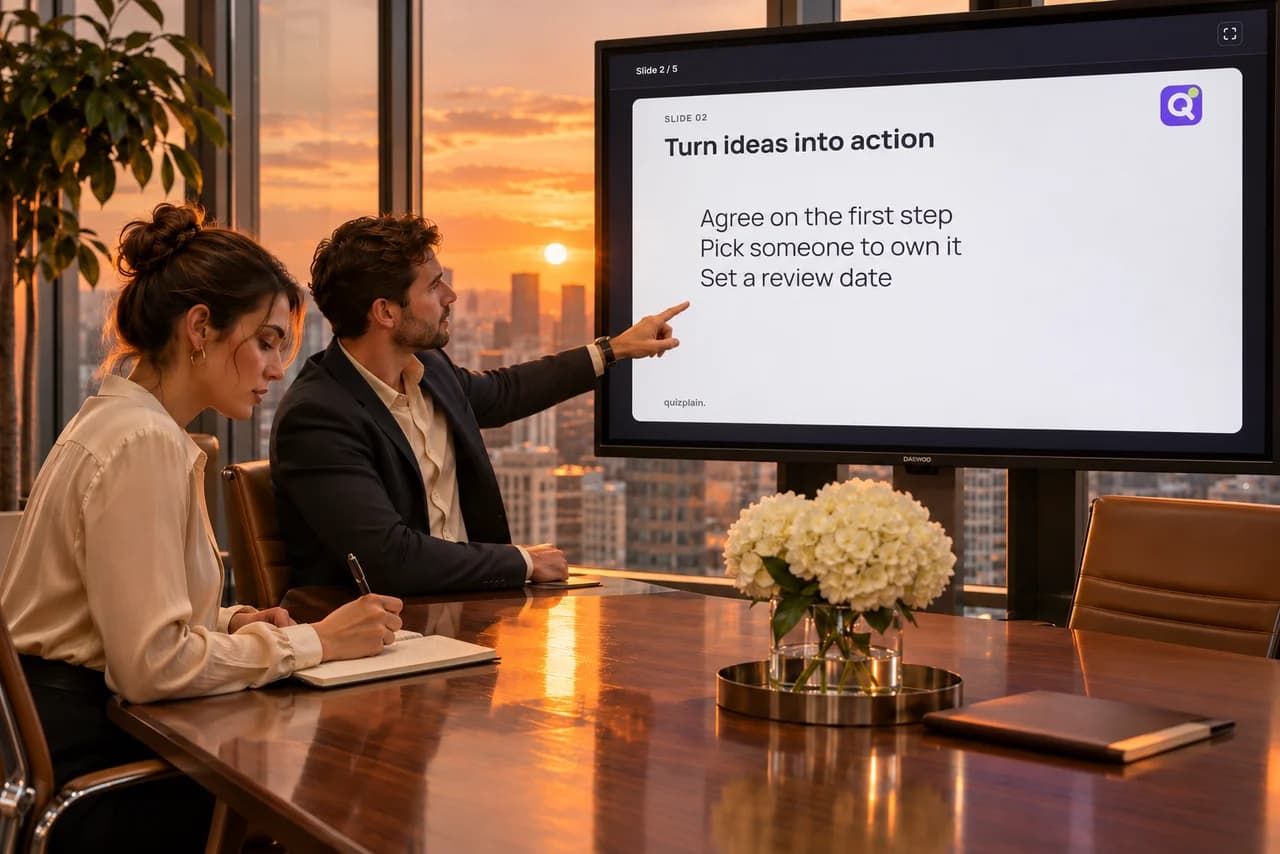
Finish with a takeaway, decision or action. Use three example closing lines and build a final slide people can act on.

Write notes you can read at a glance while presenting. Use the example with a key line, specific evidence and a transition.

Gather ideas with a silent start, word cloud or ranking question. Follow a 15-minute agenda for your next team brainstorm.

Pick approachable prompts for a new group, meeting or team day. Get people talking about how they like to work with others.
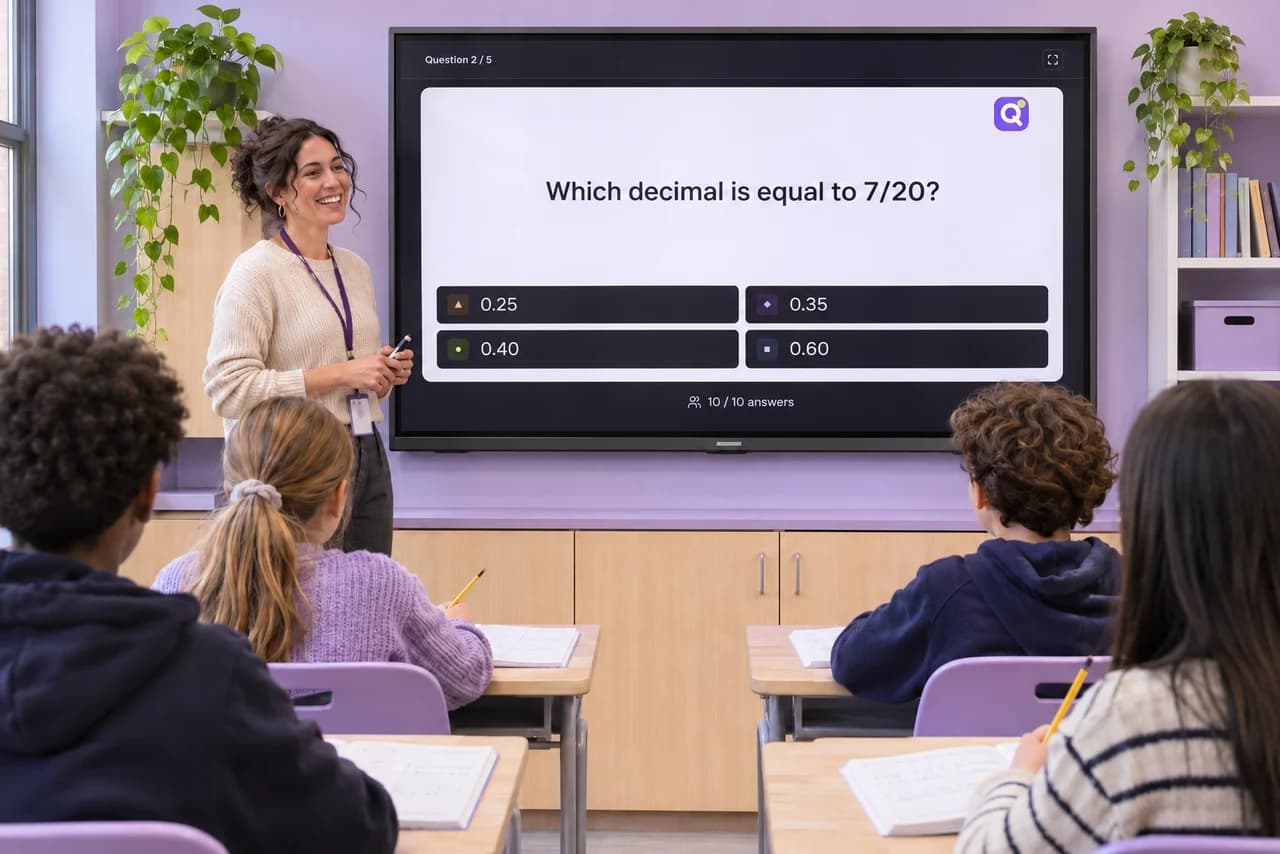
Make a short lesson quiz students join with a code. Use multiple choice, explanations and one question about how they worked out an answer.

Find out what students already know before explaining a new topic. Use a word cloud, a prediction or a question that makes a connection.

Use the final three minutes of a lesson to check understanding. Pick a prompt and decide how you will use the responses tomorrow.

Connect a short knowledge check to a teaching decision. Use these examples to plan when to reteach, practise together or move on.

Write a clear prompt, choose one correct answer and build distractors that reveal real mistakes. Try a worked example.

Run three short pub quiz rounds with ready-to-use general knowledge, geography and maths questions and answers.
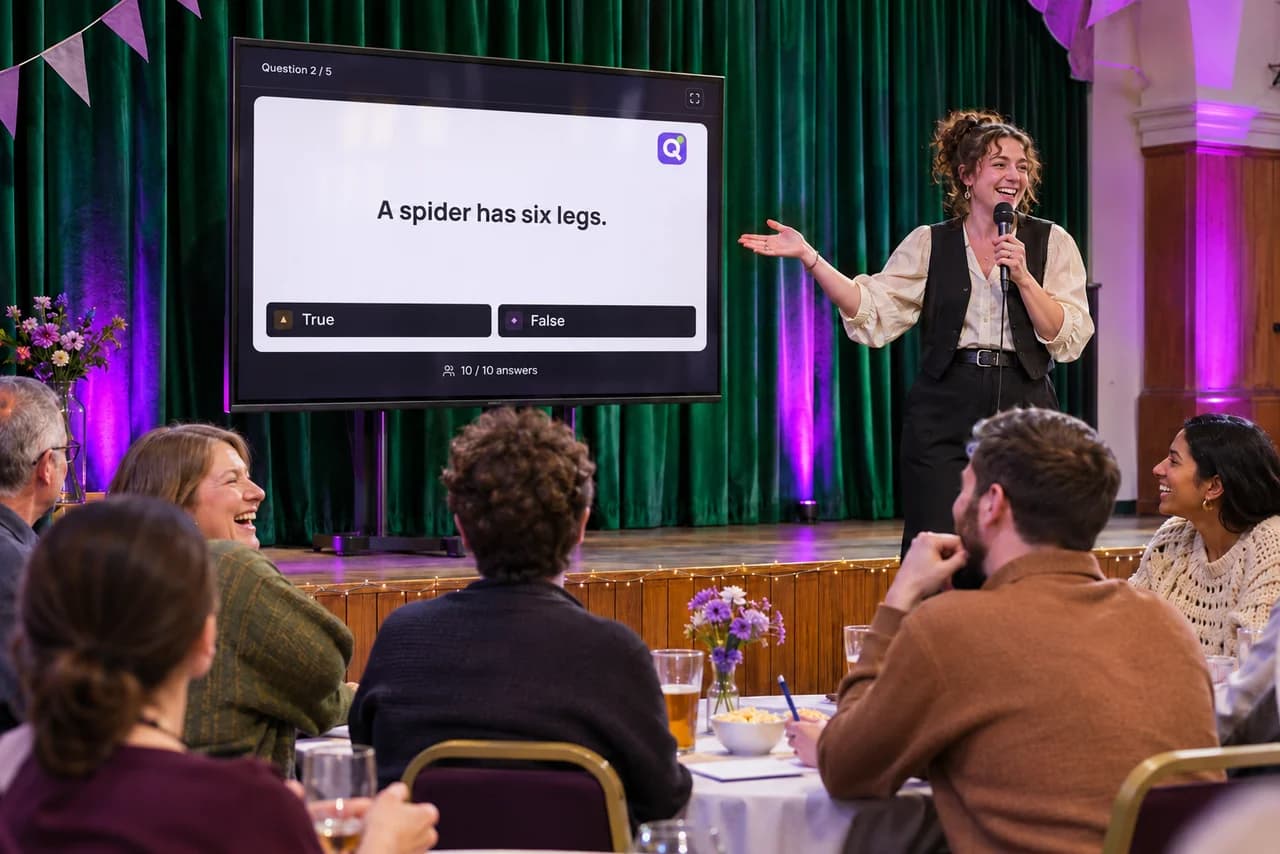
Use twelve statements about animals, geography and numbers. Each answer includes a short explanation for the quiz host.
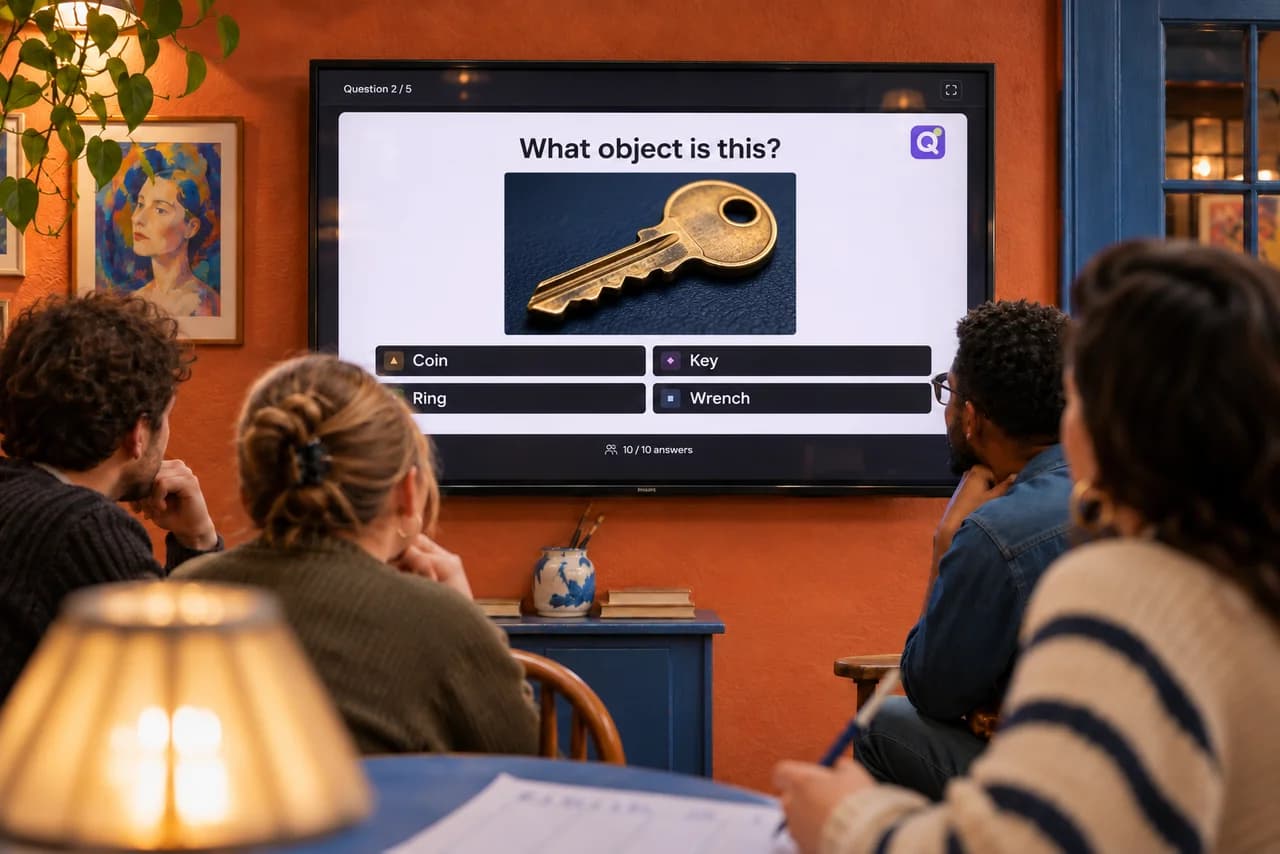
Build a picture round with recognisable photos. Try three formats and check that each picture is clear from the back of the room.

Play ten family quiz questions with answers on animals, geography and maths. Use the ready-to-play round at your next family gathering.

Find out what people understood, can apply and still want to practise. Use eight questions to evaluate a training session live.