quizplain

Add a Q&A slide
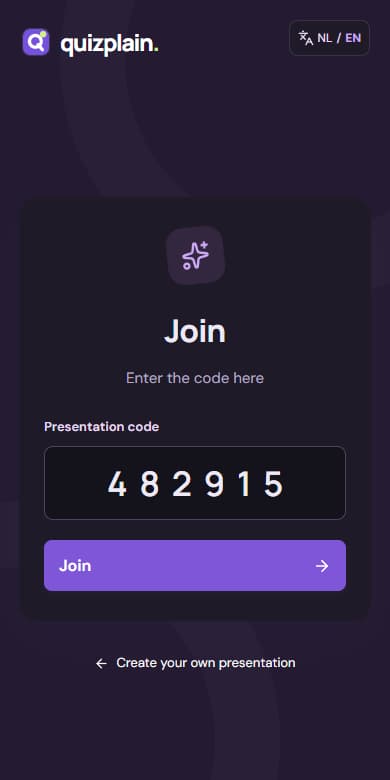
Select ‘Question’ and choose ‘Q&A’. Tell people what they can ask about. Go live, share your code and open the Q&A slide when it is time to collect questions.
Approve questions and let the audience vote
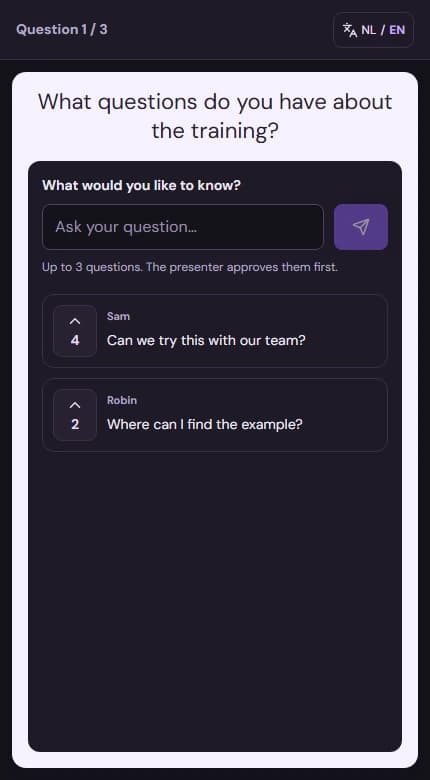
Submitted questions wait for approval. Approve the relevant ones and let people upvote questions they also want answered. Hide duplicates and mark each question as answered once you have covered it.
Set aside ten minutes for Q&A
Give people two minutes to submit and upvote questions. Start with questions useful to most of the room. For anything you leave open, say who will follow up and when.
- Open with ‘Which step would you like me to demonstrate again?’
- Restate a long question briefly before answering it.
- Finish with one practical next step for the audience.