 quizplain

How to make an online quiz in Quizplain
Open a new presentation, select ‘Question’ and add a multiple-choice question. Enter the options and mark the correct answer. Add a short explanation to show after voting. Try the first question in Preview, then share the session code when you go live.
Three ready-to-use quiz questions
Use this mix of geography, maths and science as a warm-up round. Take a few seconds to explain how you get to each answer.
- Of Amsterdam, Paris and Rome, which is furthest north? The answer is Amsterdam.
- A film starts at 7:40 pm and runs for 95 minutes. When does it finish? At 9:15 pm.
- Of Venus, Mercury and Mars, which is closest to the Sun? The answer is Mercury.
Invite everyone to play with a code
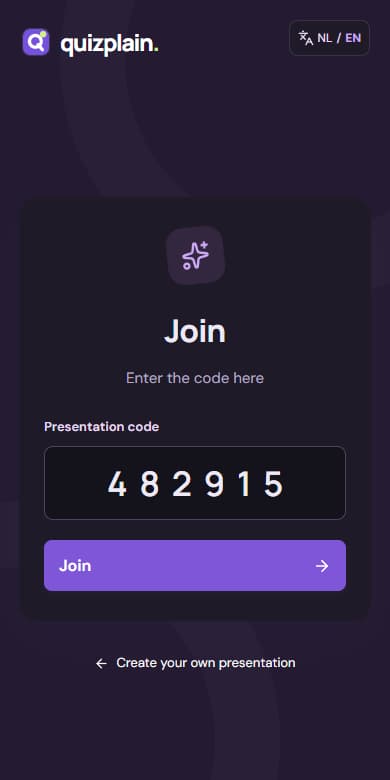
Use ‘Preview’ to check your questions. Select ‘Go live’ and choose Professional or Party mode. Show the lobby code on the main screen. Participants open Quizplain on their phones, select ‘Join’ and enter the code and their name. Try joining as a participant before the group arrives.
Decide when to show a leaderboard
Show a leaderboard for a pub quiz where points are part of the game. Turn it off for a practice round and discuss the answers after each question. Use an open question when you want people to explain how they reached an answer.
How many people can join for free?
Quizplain Free supports up to 15 live participants and 20 questions or slides per presentation. The host needs an account. Participants join in their browser.