 quizplain

Write three short cues for each slide
Note a key line, a figure or example and a transition. Use words you can recognise at a glance. Keep exact numbers and names in your notes when you need to quote them precisely.
- Key line · One owner per task makes follow-up easier.
- Example · At the last handover, two teams were waiting for each other.
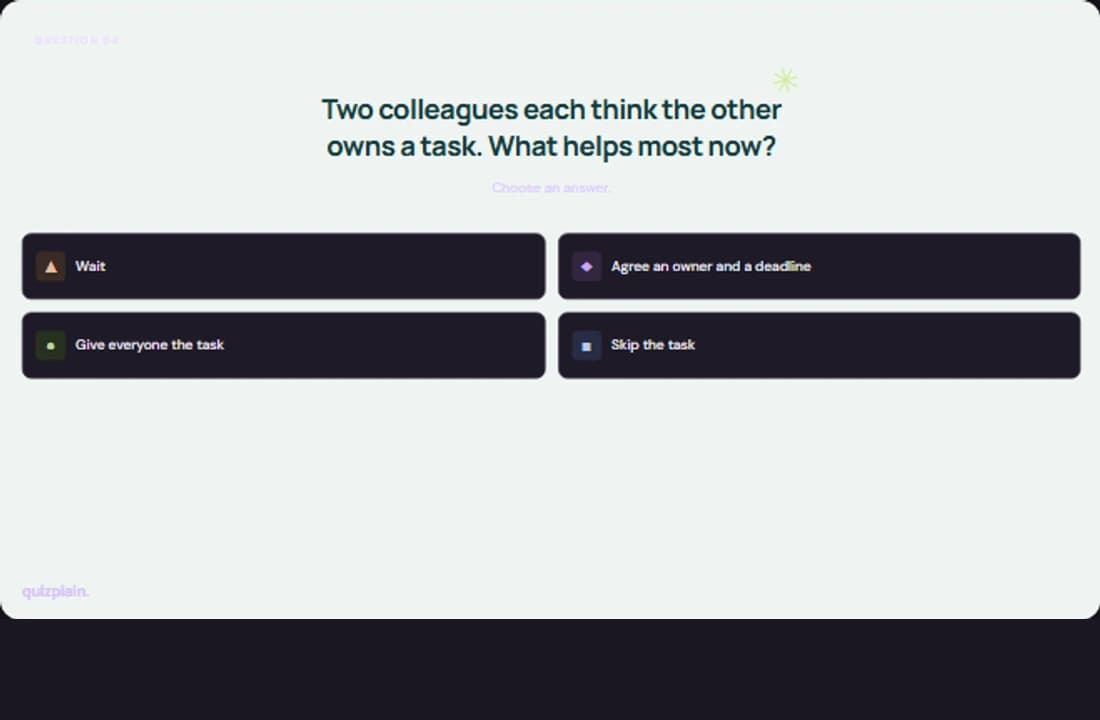
- Transition · What would you agree in the next scenario?
Keep your cues in the presenter view
Add notes to slides in the Quizplain editor. During a live session, use the presenter view for notes and share the audience window. Check what the audience actually sees before you begin.
Put interaction cues in your notes
Write ‘ask the question’, ‘pause’ or ‘show the results’ where you need the cue. For a quiz, add one point you want to make once you see which answer most people picked.