 quizplain

Start with one clear outcome
Decide what your audience should know, do or agree by the end. For a team update, your outcome might be choosing one change to test next week. Give every slide a role in reaching that decision.
Organise your presentation into five slides
Open a new presentation in Quizplain and add a free-form slide. This five-slide outline works for a short proposal at work, in class or online.
- 1. Title · One sentence that shows where the presentation is going.
- 2. Context · One concrete example of the problem.
- 3. Proposal · Explain what you would change and how.
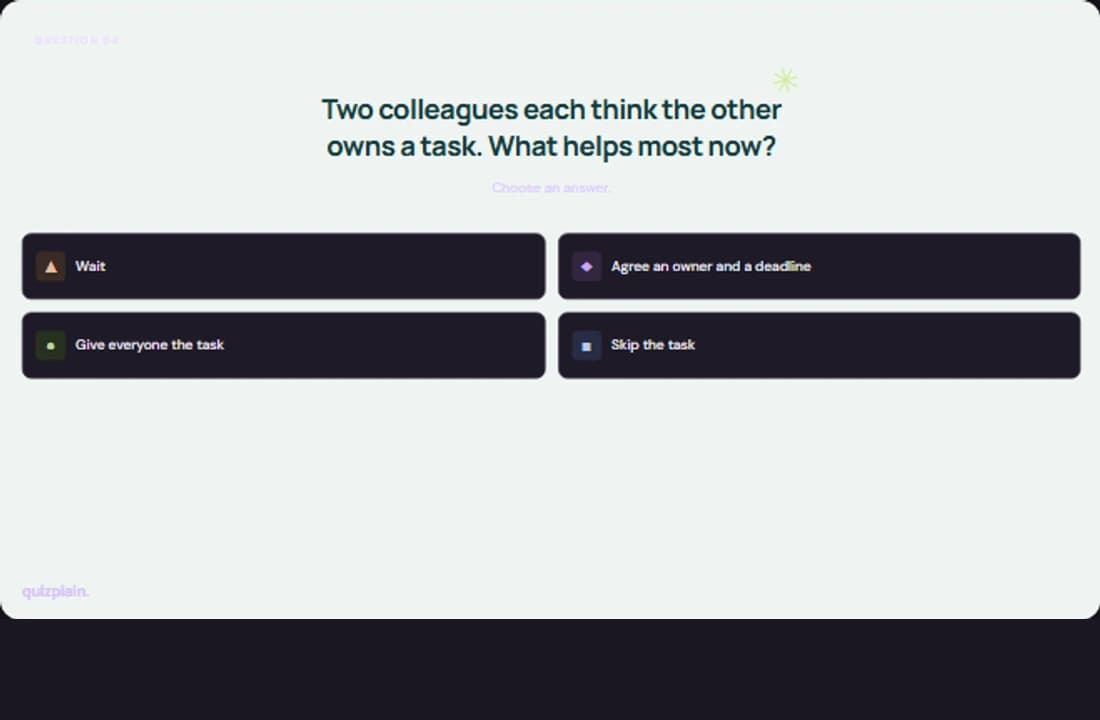
- 4. Decision · Add a live poll if the audience needs to choose.
- 5. Next step · Record the agreed action, owner and date.
Make the slides readable from the back row
Give each slide one job. Move the detail you plan to say aloud into speaker notes. Check the size of the text and images in Preview. Give people time to read a scenario before collecting answers.
Present and share from your browser
On a Chromebook, open Quizplain in the browser. Start the presentation, open the audience screen and share that window in the video meeting. Keep your presenter controls and notes in a separate window. For a live quiz or poll, ask participants to join by code on their phone or in another tab.