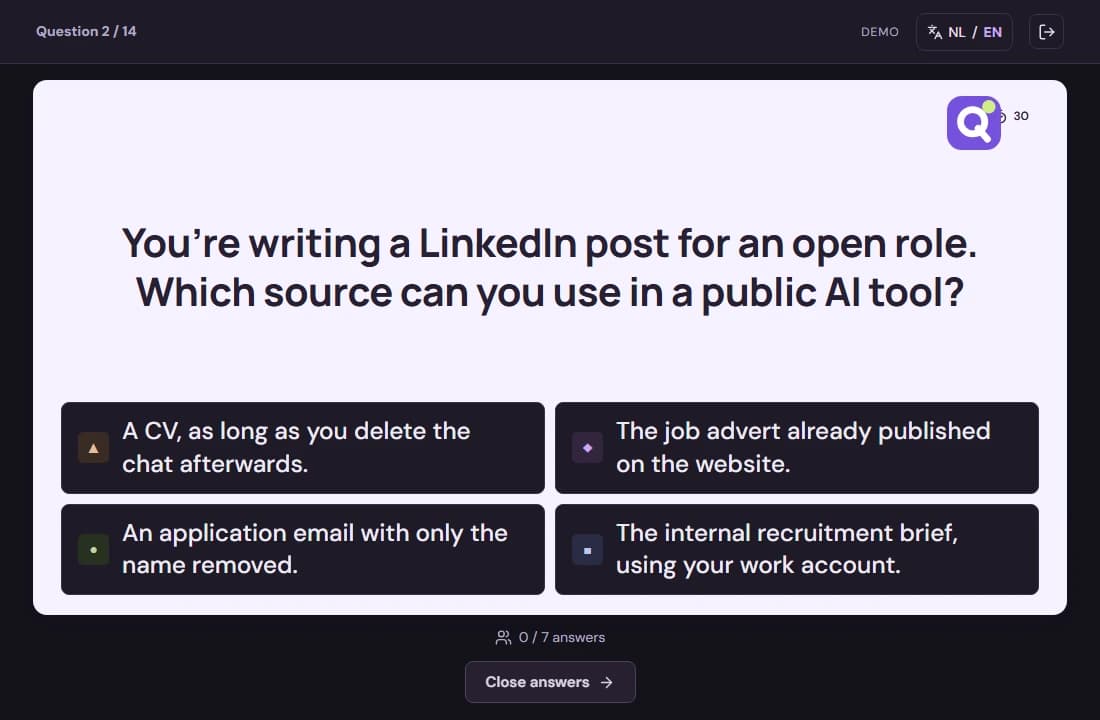
quizplain

Start with a specific prompt
Select ‘Generate with AI’ in your workspace. Enter an audience such as ‘colleagues new to the topic’. Choose five slides, including quiz questions, and tell Quizplain what people should be able to do afterwards.
- Create a short session on saving energy at work. Use examples about lighting, sleep mode and standby power. Finish with one quiz question and explain the correct answer.
See a generated slide
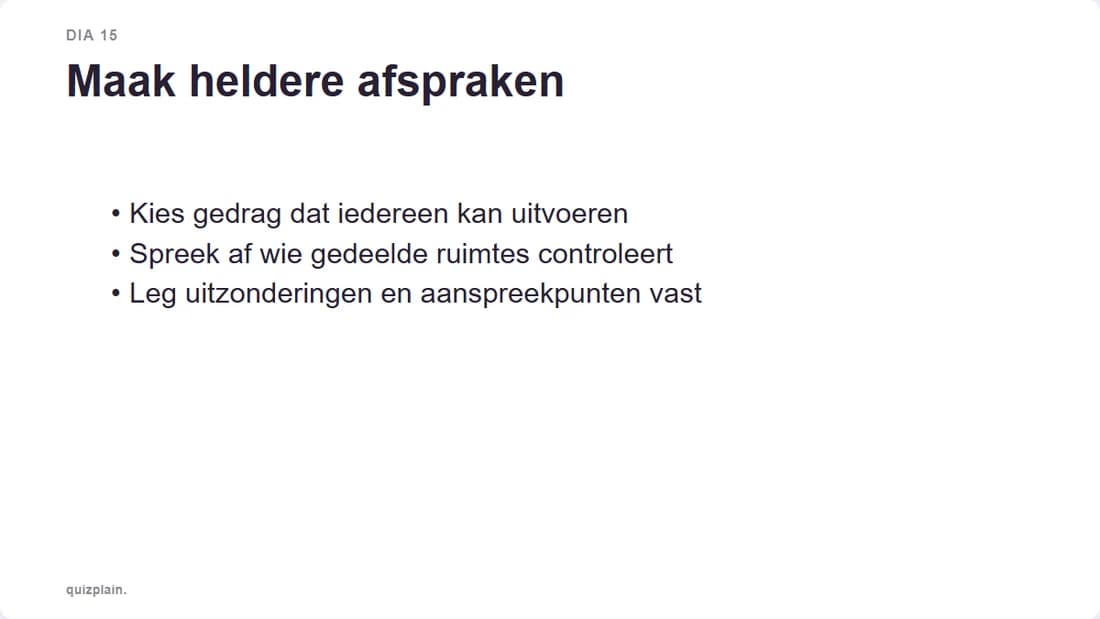
In the office energy example, Quizplain suggests specific actions. Use a slide like this to explain what to do. Follow it with a question about which action the audience would choose in a situation they recognise.
Review the slides and speaker notes
Open the result in the editor. Check the facts and marked answers, edit the speaker notes and replace examples that do not suit your audience. Use ‘Preview’ to check the presentation before you go live.