 quizplain

Build an interactive word cloud
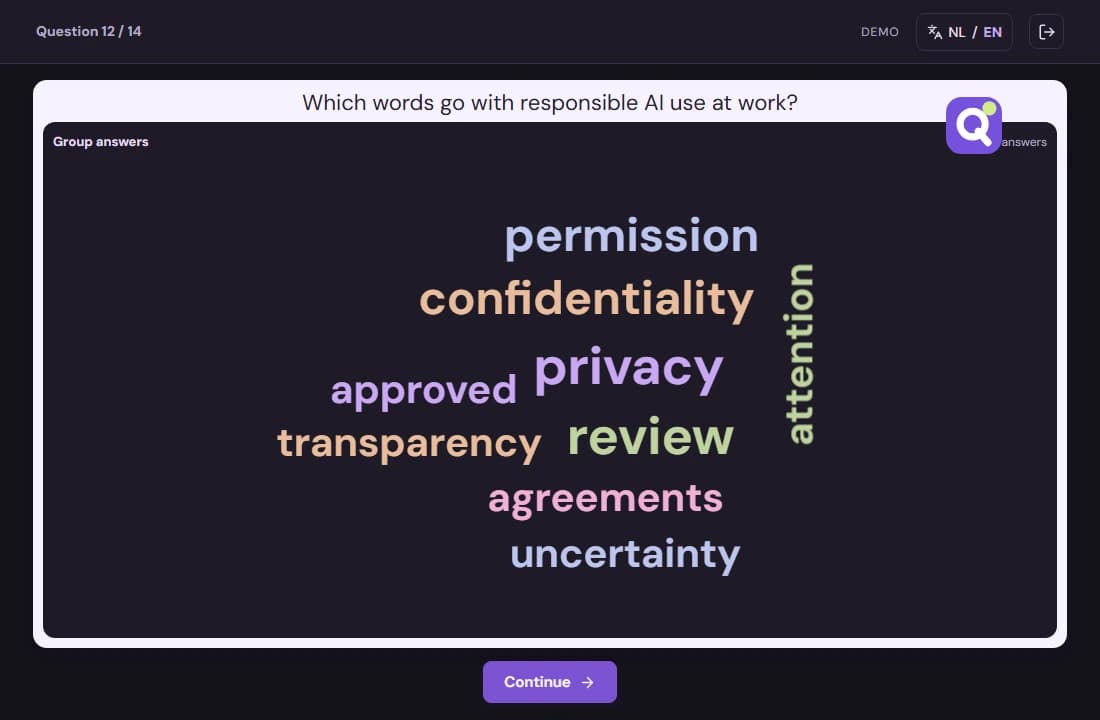
Open your presentation in Quizplain, click ‘Question’ and select ‘Word cloud’. Write one specific prompt. Choose ‘Go live’ and share the session code. Each person can submit up to three words. Open the results to see which responses appear more often and are displayed in larger type.
Four word cloud prompts you can use today
Ask for one word per idea. Read the prompt aloud and give people time to think before you show the responses.
- Start of a lesson. What word comes to mind when you hear ‘ecosystem’?
- End of a training session. What skill will you practise this week?
- Team meeting. Which step slows down our handover the most?
- Workshop. What quality would a good solution to this problem have?
Turn the results into a discussion
Ask someone what they meant by a frequently submitted word. Look for a less common response that adds something new. ‘Documentation’ and ‘instructions’ may appear separately even when people mean the same thing. Discuss related words together and ask which problem the group should tackle first.
When should you use another question type?
Use a poll when people should choose between a fixed set of options. Ask an open question when you need a sentence or two about why something went wrong. A live word cloud works best with short associations that reveal recurring themes.