 quizplain

From your first slide to the final audience question
Design your slides in Quizplain or start with an existing .pptx. Open with a word cloud, ask the group to vote on a proposal and discuss the results on the same presentation screen. Add a separate explanation slide to show why an answer is correct.
A three-part exercise for your next team meeting
Suppose your team wants to improve handovers. Use these three slides to move from shared experiences to a decision.
- Word cloud. Ask ‘What one word describes our handovers today?’ to surface recurring experiences.
- Poll. Let the team choose a checklist, a regular handover slot or a shared board. Ask why some people chose less popular options.
- Regular slide. Summarise the change you will trial. Agree who will start and when the team will review it.
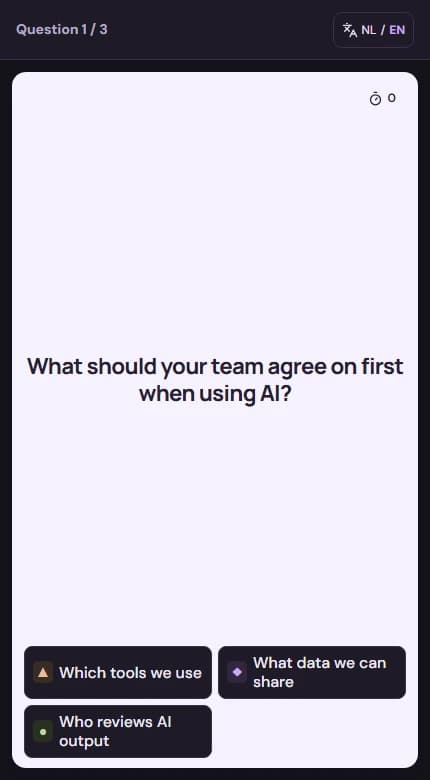
When should you use a poll, word cloud or quiz?
Use a poll when the options are already defined, and a word cloud for short responses in the audience’s own words. Choose a quiz question when there is a correct answer worth explaining. Use an open question to collect longer comments.
Test the presentation from a second device
Start a session and enter the code on your phone. Answer your first question, then check what the group sees on the presentation screen. Participants can join without an account. Quizplain Free supports up to 15 live participants per session.